


Most small business owners I talk to have already tried AI. They opened ChatGPT, typed “write me a post,” and got something generic that sounded like everyone else. The tool isn’t the problem. The instructions are.
After 18 years in marketing, I’ve learned that good results always start with good direction. AI is no different. Give it a clear role, real details about your business, and a specific job, and it hands you a draft you can actually use.
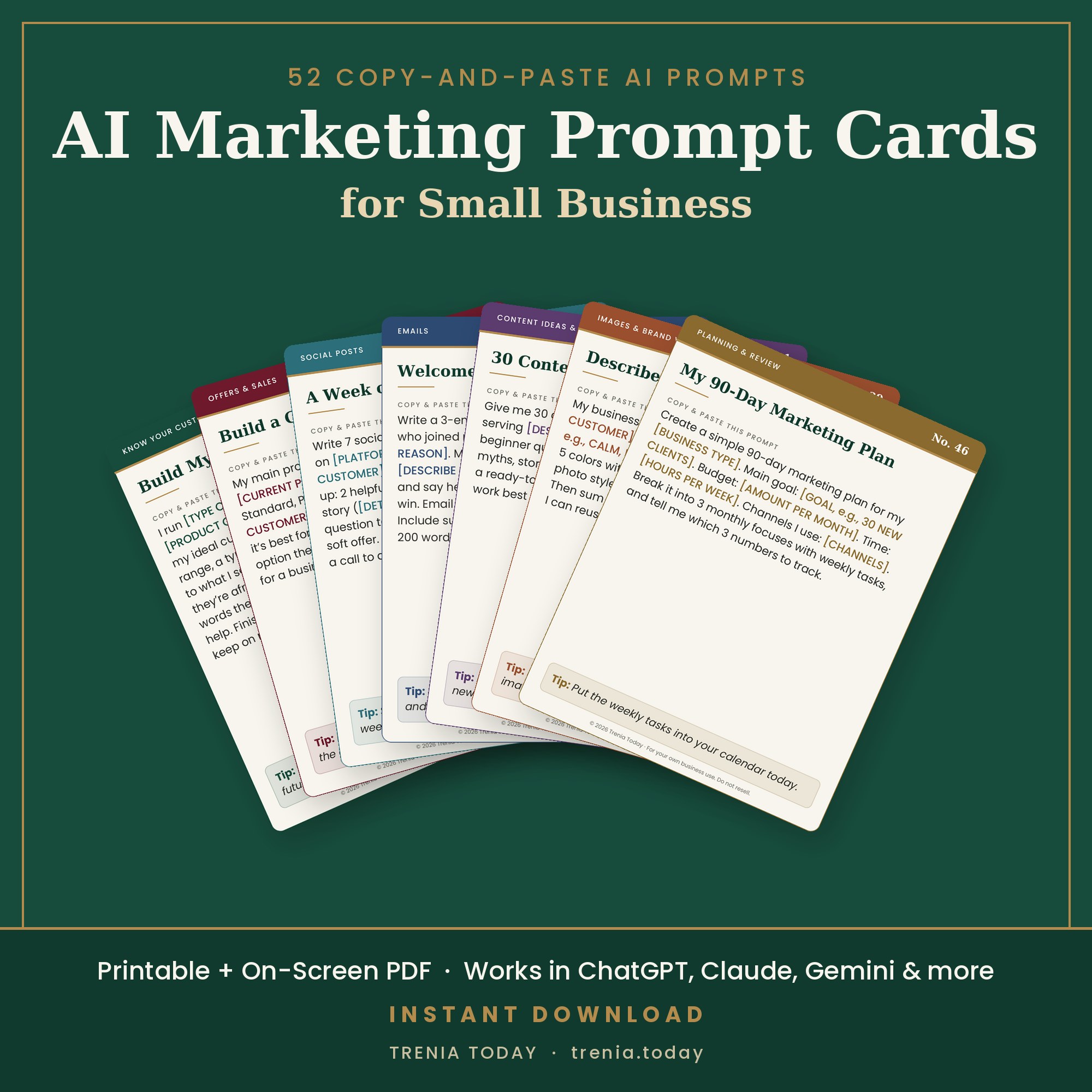
Here are the five prompts I’d save first if I were running a small business today. Copy them into your notes, fill in the parts in [brackets], and keep them handy.
1. Know Your Customer
Everything else builds on this one. If AI doesn’t know who you’re talking to, it writes for nobody.
Act as a marketing strategist. My business is [what you sell] for [who you serve] in [your city or online]. Describe my ideal customer in one paragraph: their biggest problem, what they have already tried, what they want instead, and the words they would use to describe it. Then list the 5 questions they ask before they buy.
2. Make Your Offer Clear
If a customer can’t understand your offer in a few seconds, they scroll past. This prompt tightens it.
Here is my offer: [describe your product or service, the price, and what is included]. Rewrite it so a busy customer understands it in 10 seconds. Give me a one-sentence version, a three-bullet version that lists benefits (not features), and a short answer to “Why should I buy this now?”
3. Write This Week’s Posts
Now put prompts 1 and 2 to work. Paste your answers in, and AI has everything it needs to write posts that sound like they were made for your customer.
Using this customer description: [paste your answer from prompt 1] and this offer: [paste your answer from prompt 2], write 5 social media posts for [platform]. Each post should open with a strong first line, share one useful tip or short story, and end with one clear next step: [your link or action]. Keep each under [100] words and write in a [friendly, confident] voice. Put 3 hashtags at the end of each post.
4. Draft a Welcome Email
The first email someone gets from you sets the tone. Most businesses skip it. Don’t.
Write a welcome email for someone who just joined my email list by downloading [your free offer]. Thank them, tell them what to expect from my emails and how often, share one quick win they can use today, and end with a friendly invitation to [your next offer]. Subject line under 45 characters. Email under 200 words.
5. Write a 20-Second Ad
Short video ads are one of the fastest ways to get in front of new customers. This prompt gives you a script, a caption and a headline in one go.
Write a 20-second video ad script (about 55 spoken words) for [your offer] aimed at [your customer]. Structure it like this: a 3-second hook that names their problem, the offer in one sentence, one benefit or proof point, and a clear call to action: [action + link]. Also give me a one-line caption and a five-word on-screen headline.
How to Get Better Results From Every Prompt
- Be specific in the brackets. “Moms in Oakland who want healthy weeknight dinners” beats “busy people.”
- Feed your answers forward. Paste what you got from prompts 1 and 2 into the others. That’s how the posts, email and ad all sound like the same brand.
- Ask for three versions. Then pick the best parts of each.
- Edit in your own voice. AI writes the first draft. You’re the director.
Save these five today, and next time you sit down to market your business, you won’t be starting from a blank page.
Want the Step-by-Step Version?
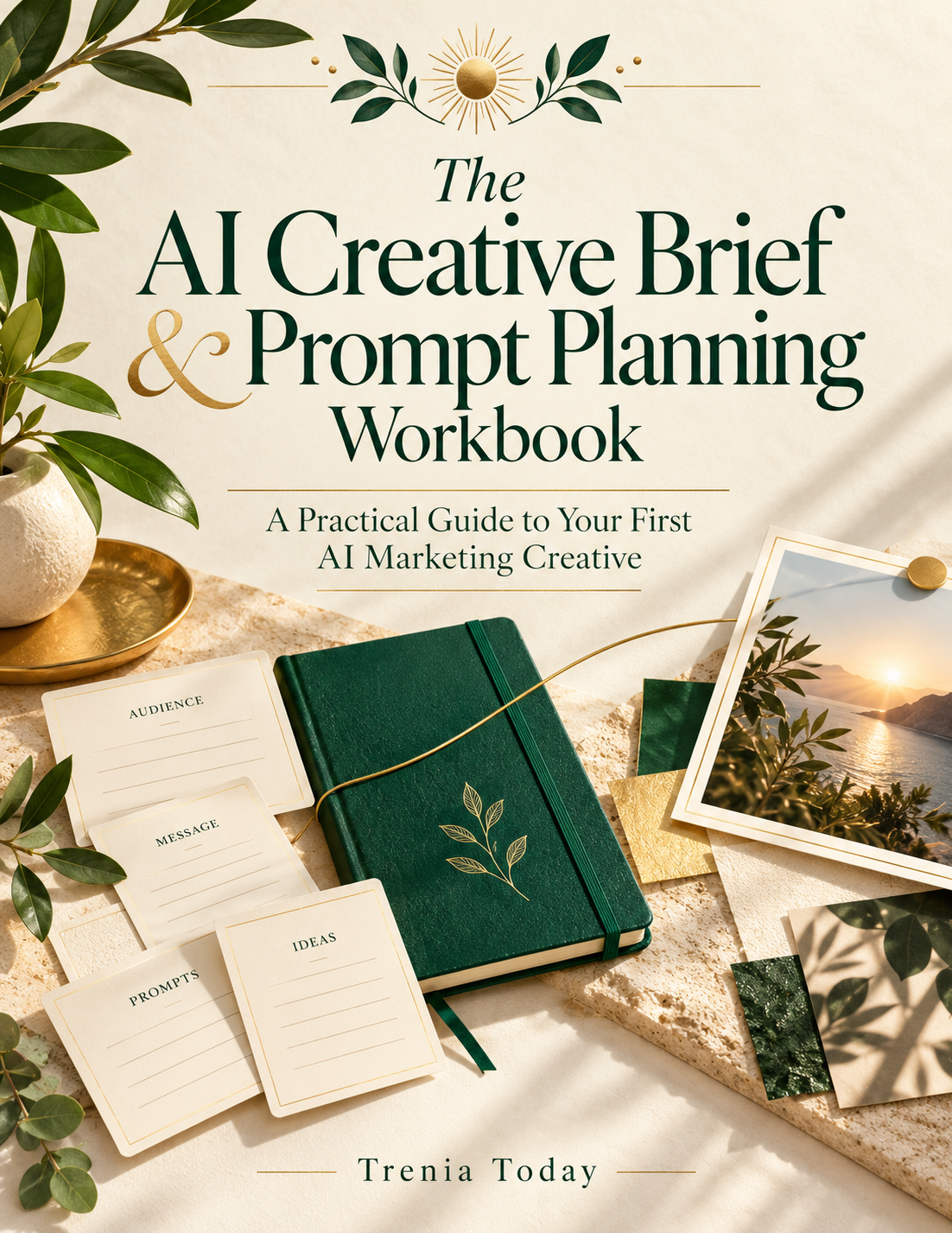
My free AI Creative Brief and Prompt Planning Workbook walks you through planning your audience, your message and your prompts before you ever open an AI tool. It’s fillable, so you can type right into it.
Ready to go deeper? The AI Marketing How-To Workbook is $9.97 and includes 7 free days of Creator Studio.
Trenia Today is a marketing strategist and AI creative director with 18 years of experience helping businesses plan, create and launch campaigns.
 The AI Marketing How-To Workbook