


AI can make beautiful images. But beautiful isn’t the same as on-brand. If your AI images look like stock photos from a different company every time, your customers notice, even if they can’t say why.
When I direct AI images for a campaign, every prompt carries the same three things. That’s how a whole set of images stays recognizable.
1. Your Exact Colors
“Green and gold” can mean a hundred different things. Name your colors precisely, and say where they should appear.
Example: “Deep emerald green and soft warm gold accents, with cream backgrounds. No bright neon colors.”
2. One Consistent Style
Pick a style and repeat the same words in every prompt. Photorealistic or illustrated? Bright and airy or moody? Minimal or detailed? Write it down once and reuse it.
Example: “Bright, airy, natural daylight, clean and elegant, soft shadows, professional lifestyle photography.”
3. A Real Reference
Words only go so far. Most AI image tools let you attach a reference image. Use your logo, a past photo you love, your product, or your own photo. Then tell the tool exactly how to use it.
Example: “Use the attached photo as the exact reference for the product. Do not change the label or add any text.”
Put It All Together
Create a [photorealistic / illustrated] image for my [business type] brand. Scene: [describe exactly what we see, where, and who]. Colors: [your exact colors and where they appear]. Style: [your style words]. Lighting: [natural daylight / warm evening / studio]. Use the attached image as the exact reference for [product / person / logo]; do not redraw it. No text, letters or logos anywhere in the image unless I specify them.
Bonus Tip: Say “No Text”
AI image tools love to add random words to signs, screens and posters, and they’re usually misspelled. Unless you need text, say “no text anywhere.” If you do need text, spell out the exact words and where they go, or add the text yourself afterward in a design tool.
Build Your Brand Prompt Once
Save your colors, style and reference instructions as a reusable “brand block” you paste into every prompt. It’s the fastest way to make every image, post and ad look like it came from the same company, because it did.
Make It in Creator Studio
Creator Studio is my AI marketing studio for small business. Describe your business once, then create social posts, emails, blog posts and on-brand images whenever you need them.
Prefer to start with a guide? The $9.97 AI Marketing How-To Workbook includes 7 free days of Creator Studio.
Trenia Today is a marketing strategist and AI creative director with 18 years of experience helping businesses plan, create and launch campaigns.
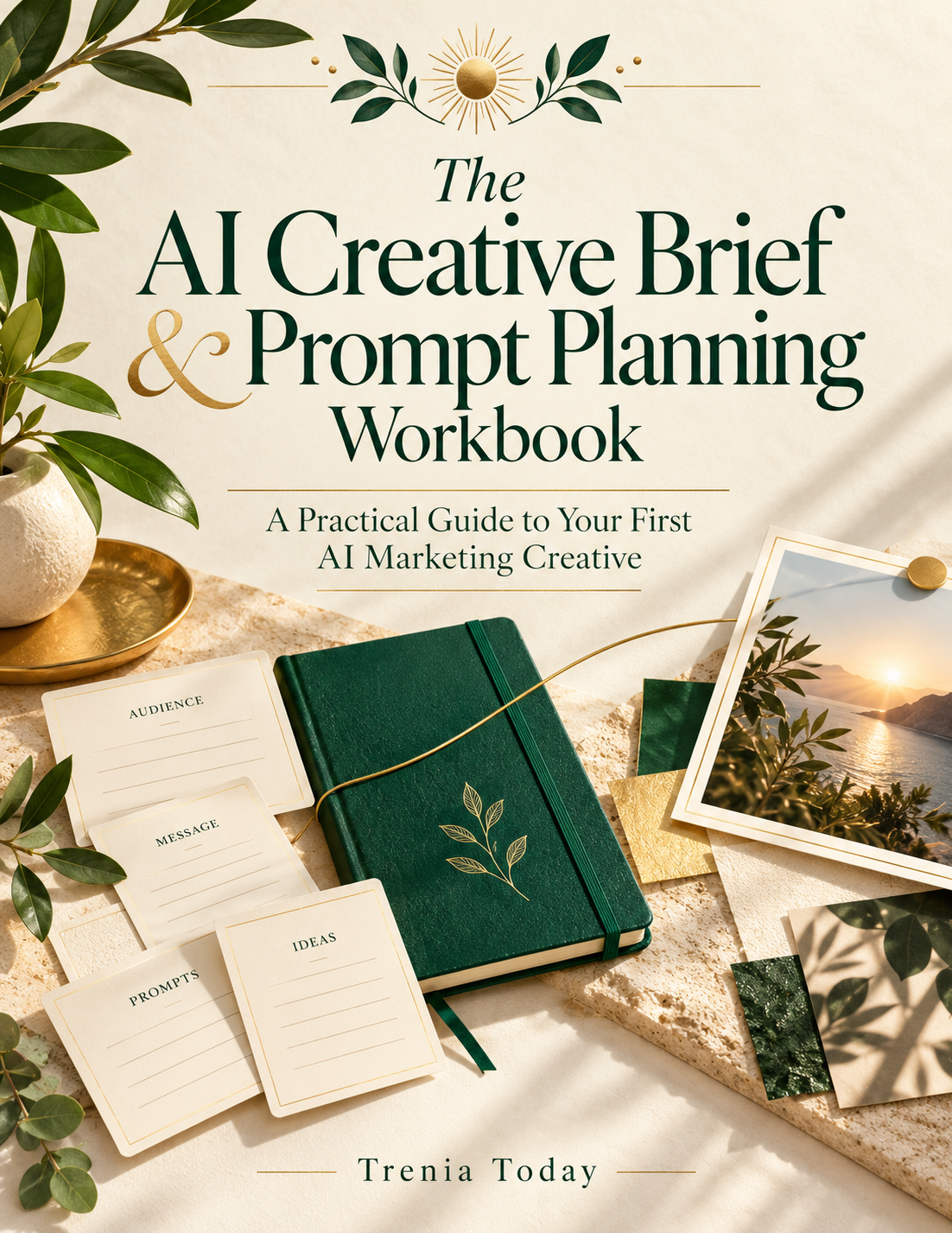
 The AI Marketing How-To Workbook