

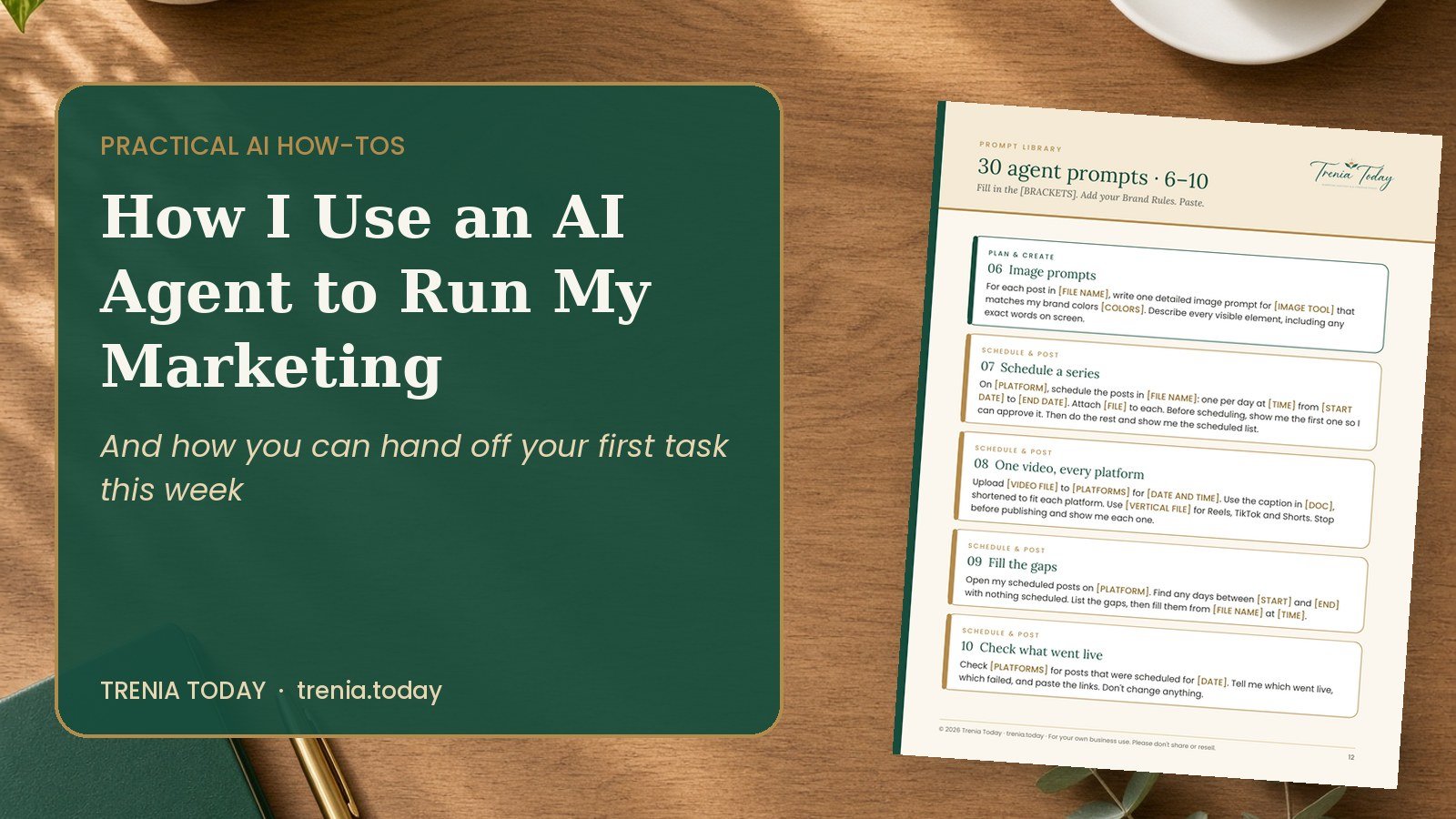
This week, an AI agent scheduled 36 days of holiday promo posts on my LinkedIn, each one with the video and its own caption, while I worked on something else. Here’s how I use an agent to run the busywork of my marketing, and how you can hand off your first task this week.
I’ve led marketing for small businesses and my own company since 2009. The strategy part has always been the fun part. The part that eats the day is everything after: uploading the same video to five platforms, copying captions, setting dates, checking what actually went out. That’s exactly the work an AI agent is good at.
Chat vs. Agent: What’s the Difference?
You already know AI chat. You ask a question, it writes an answer, and you copy and paste it somewhere. An AI agent goes one step further. You give it a job, and it does the steps for you, in your browser or your connected apps, while you watch or work on something else.
- Chat: “Write me a caption for my holiday kit.”
- Agent: “Schedule this video on LinkedIn every day at 9 AM through December 24, using the 36 captions in my doc, and show me the scheduled list when you’re done.”
Many AI assistants now offer agent features that can use a web browser or connect to your apps, including Claude, ChatGPT and Gemini. Check what your plan includes.
What I Hand Off (and What I Keep)
My rule of thumb: if a mistake could be fixed in two minutes, the agent can do it. If a mistake would cost money, a customer or my reputation, I approve it first.
I hand off: scheduling posts across platforms, uploading videos, filling in store listings, research, checking that posts went live, and building reports.
I keep: strategy and offers, final approval on anything public, passwords and payment details, replies to customers, spending money, and anything I can’t undo.
My 5 Safety Rules
- Never give it passwords or card numbers. I sign in myself before the task starts.
- Approve before it goes public. Until I trust a task, the agent stops right before Post, Send or Publish.
- Start with drafts or scheduled posts, not live posts.
- Watch the first run. Then fix the instructions and let it run on its own next time.
- Keep a log. The agent tells me what it did, with links.
How to Write Instructions an Agent Can Follow
Most agent mistakes come from vague instructions. I use a simple 7-part brief:
- Task: what to do, in one sentence.
- Goal: why it matters, so it can make good choices.
- Where: the exact account or page.
- Inputs: files, text and links to use.
- Rules: your brand rules and limits.
- Check: how it proves the job is done.
- Stop if: when to pause and ask you (logins, payments, anything unclear).
Try This First Task
Sign in to LinkedIn yourself, then give your agent this:
“On my LinkedIn profile, schedule one post for tomorrow at 9 AM with this caption: [YOUR CAPTION]. Attach [YOUR IMAGE OR VIDEO]. Stop and show me the post before you schedule it. After it’s scheduled, show me my scheduled posts list.”
Watch it work. Check the result yourself. Then try the same task for a full week of posts.
What I Learned Running It for Real
Agents are fast, but platforms have quirks. Some sites limit how quickly you can post, uploads sometimes need a second try, and pasted captions can lose their line breaks. Every one of those was fixed by adding one line to my brief. That’s the real skill: not prompting once, but saving the instructions that work and reusing them.
Get My AI Agent Starter Kit
The full system I use: a 45-minute setup checklist, a Brand Rules template, the Agent Brief, 30 ready-to-use agent prompts, a weekly routine and a task log. 20-page PDF plus copy-and-paste templates.
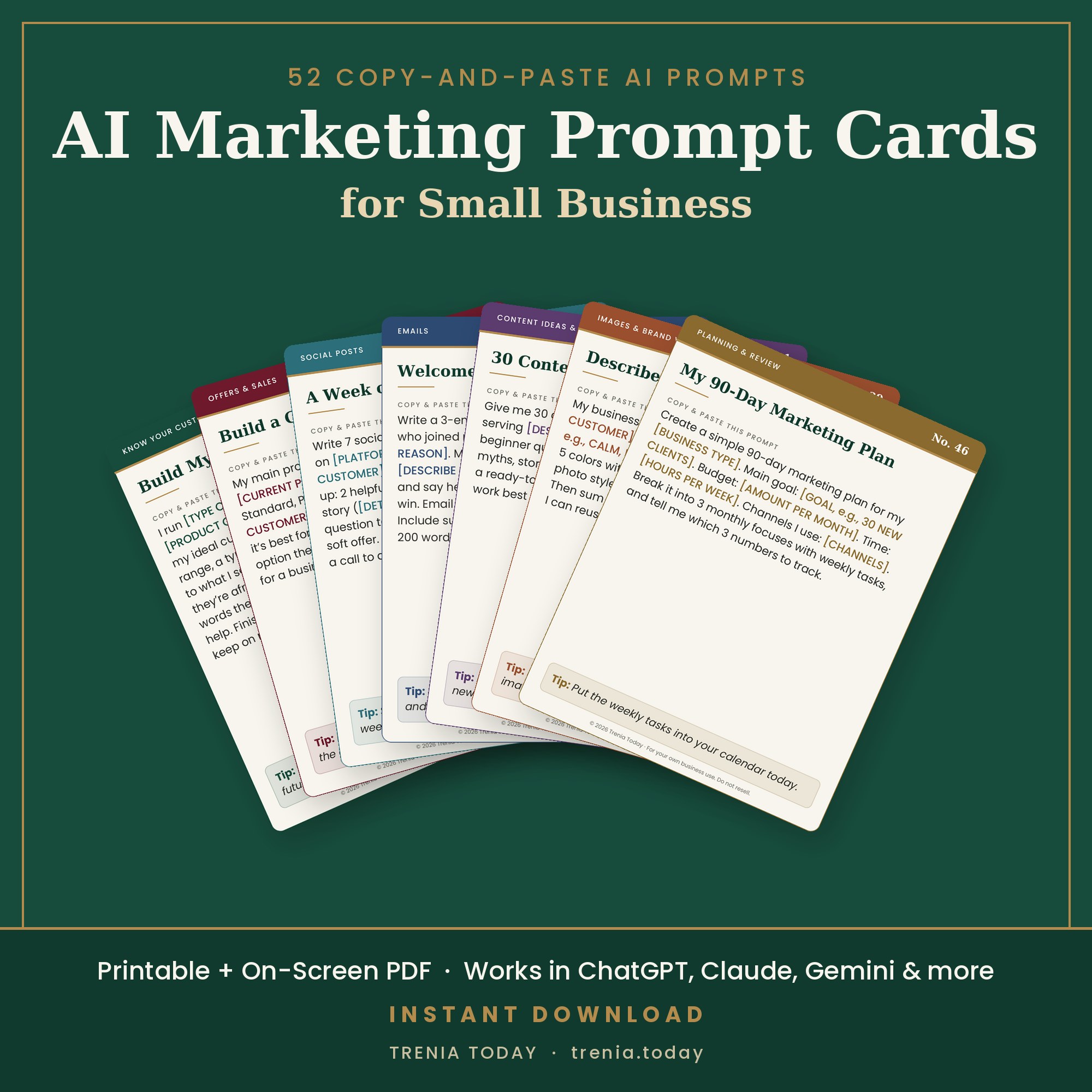

 The AI Marketing How-To Workbook