


If your AI images look like everyone else’s, the problem is the brief, not the tool.
How to do it, step by step
- Open Marketing Image and describe the picture: setting, colors, mood.
- Pick a quality: Preview, Standard or High.
- Tap Create image, then Download or Save to library.
Quick tip: Say what should not appear, like words or logos, to keep images clean.
Try it in Creator Studio
Get the AI Marketing How-To Workbook for $9.97 and use Creator Studio free for 7 days.
Get the Workbook + 7 Free Days →New to AI? Start with the free workbook. See all the how-to videos.
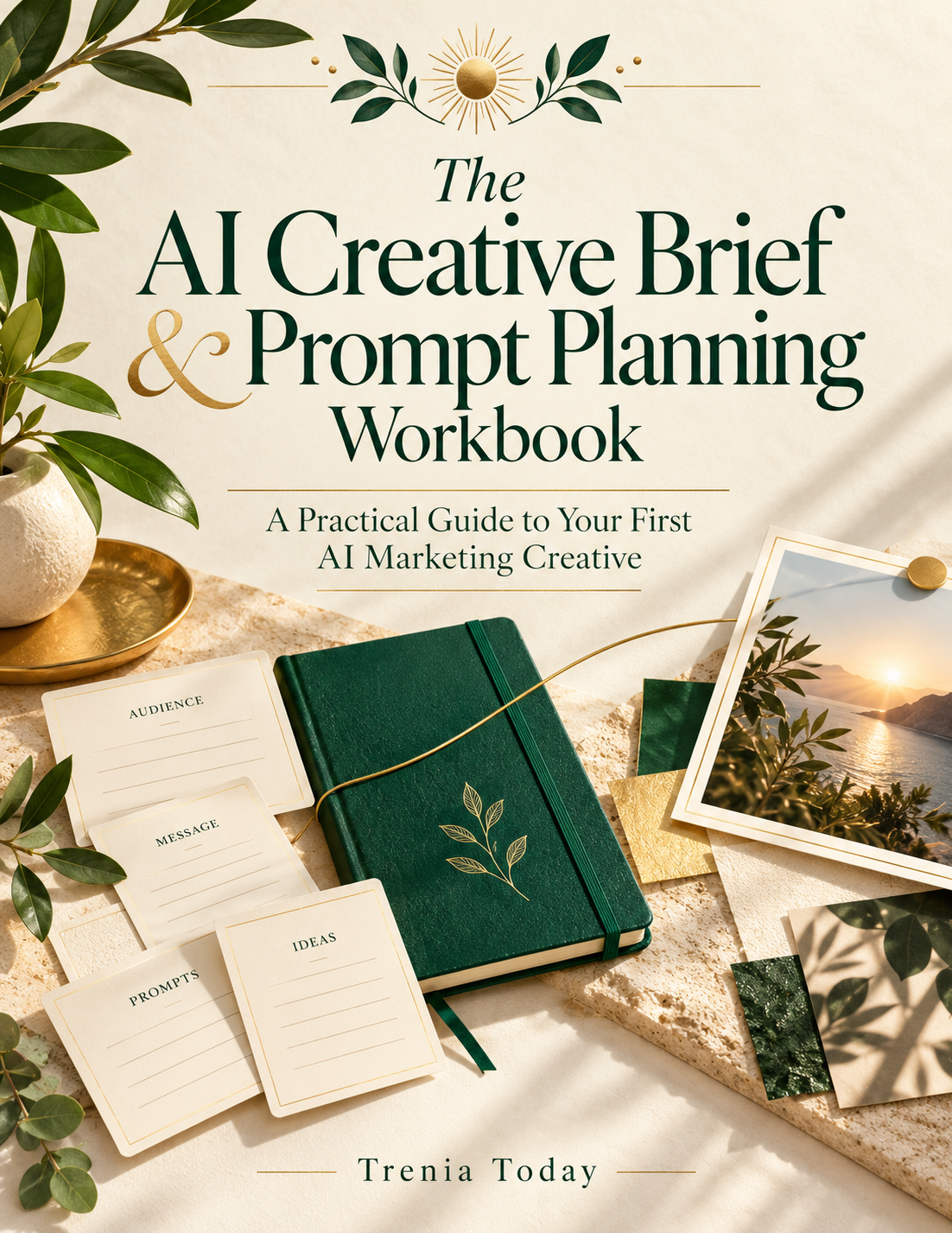
 The AI Marketing How-To Workbook