


Tired of explaining your business to AI every single time? Set it up once in My Business and every tool remembers it.
How to do it, step by step
- Open My Business and add your business or client name.
- Answer the short questions: what you sell, who it is for, your tone and your website link.
- Tap the business card to mark it Working on. Every tool now opens with it selected.
Quick tip: Add one business per client. Switch between them with one tap.
Try it in Creator Studio
Get the AI Marketing How-To Workbook for $9.97 and use Creator Studio free for 7 days.
Get the Workbook + 7 Free Days →New to AI? Start with the free workbook. See all the how-to videos.
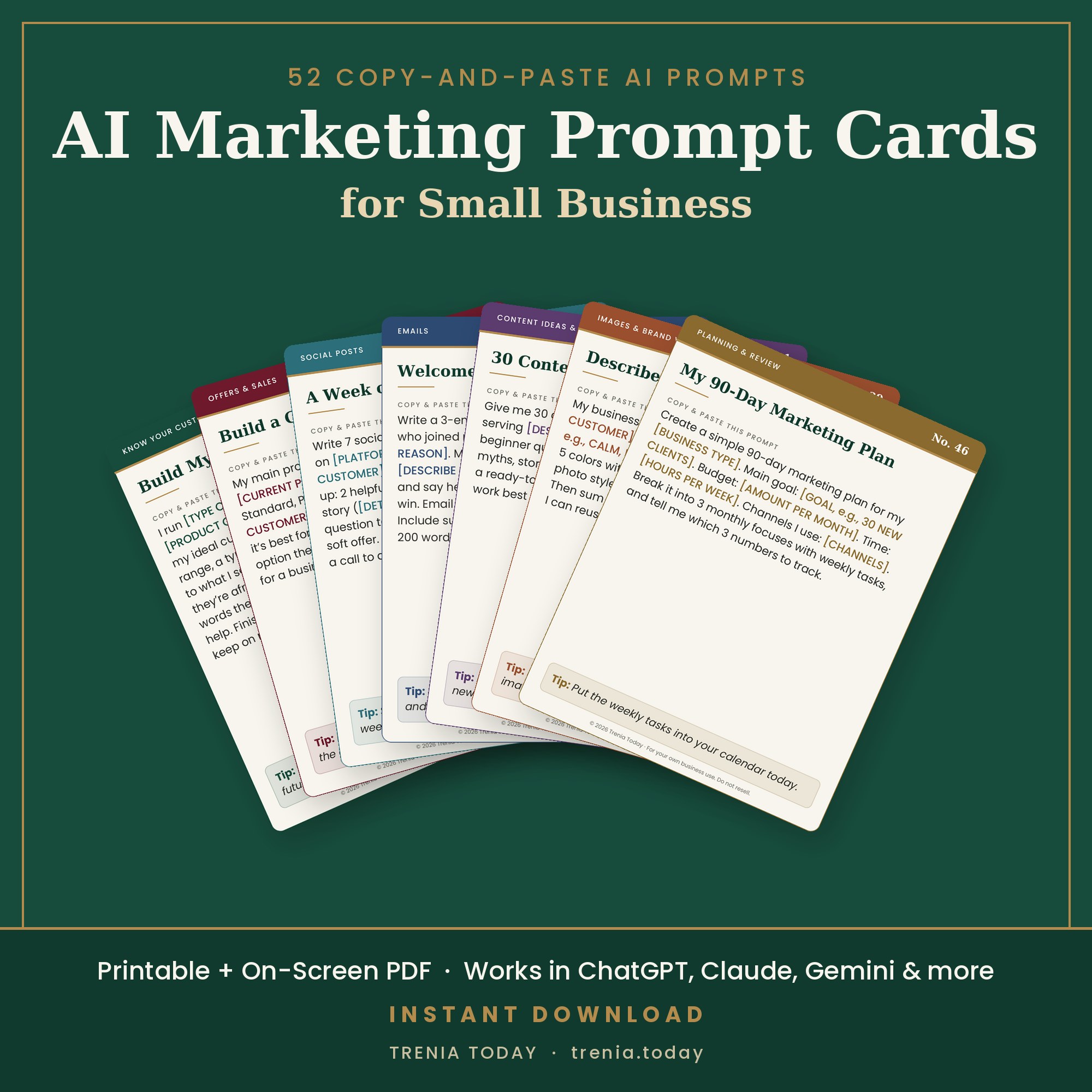

 The AI Marketing How-To Workbook